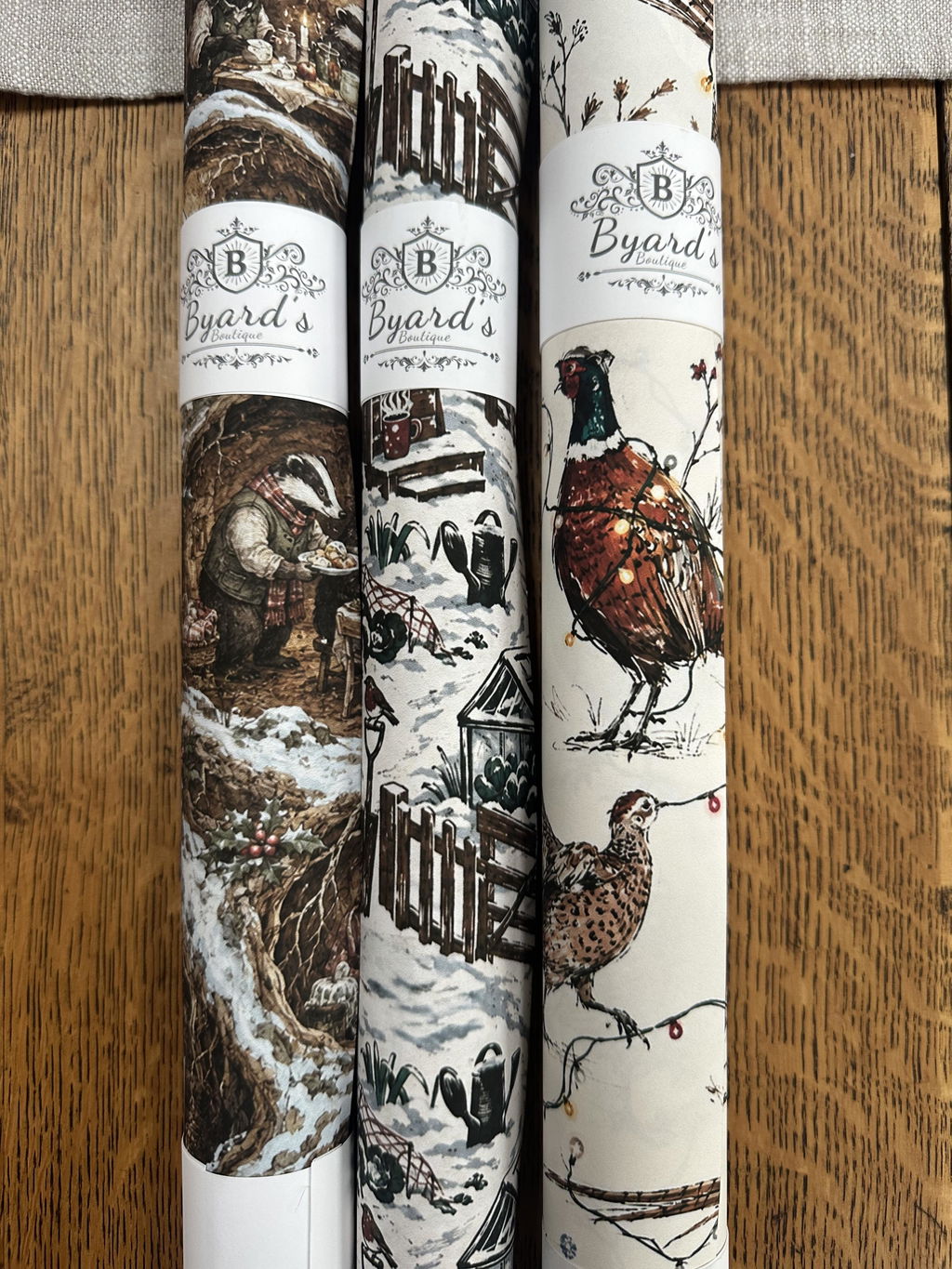
Personalised Wrapping Paper



Personalised Christmas Post Mouse Wrapping Paper – Special Delivery
Regular priceFrom £7.95Unit price


Personalised Robin Christmas Wrapping Paper – Snowy Ski Derby
Regular priceFrom £7.95Unit price


Personalised Space Crew Wrapping Paper – Four Faces & Names
Regular priceFrom £7.95Unit price


Personalised Gonk Christmas Wrapping Paper – Downhill Sledge Race
Regular priceFrom £7.95Unit price


Personalised Country Show Wrapping Paper – Custom Text Gift Wrap
Regular priceFrom £6.95Unit price


Personalised Pastel Shed Village Wrapping Paper – Custom Text Gift Wrap
Regular priceFrom £6.95Unit price


Personalised Chicken Wrapping Paper – Custom Text Gift Wrap
Regular priceFrom £6.95Unit price


Personalised Garden Shed Wrapping Paper – Custom Shed Sign Gift Wrap
Regular priceFrom £6.95Unit price


Personalised Hedgehog Garden Wrapping Paper – Custom Text Gift Wrap
Regular priceFrom £6.95Unit price


Personalised Terracotta Pot Wrapping Paper – Custom Text Gift Wrap
Regular priceFrom £6.95Unit price


Personalised British Allotment Wrapping Paper – Custom Text Gift Wrap
Regular priceFrom £6.95Unit price


Personalised Teddy Bears’ Picnic Wrapping Paper – Custom Vintage Birthday Gift Wrap
Regular priceFrom £6.95Unit price


Personalised Camping Wrapping Paper – Custom Vintage Outdoor Adventure Gift Wrap
Regular priceFrom £6.95Unit price


Find the Right Paper for the Person


Sent Rolled
Not Folded
Helping the paper arrive smooth and ready to use.

New Designs Incoming...
Our design team is currently working on new designs.
Want to know when they have landed?

Before You Send It to Print
-

Start with a Clear Photograph
A strong result starts with a simple, well-lit image. Choose a photograph taken straight on, with the full face visible and no sunglasses, heavy shadows or objects covering important details. A plain background is helpful but not essential for templates that remove it automatically. Avoid screenshots, heavily compressed social-media images and distant group photographs, as these can lose detail when repeated across the paper.
-

Make the Wording Yours
Names, dates and short messages work best when they can be read quickly. Check capital letters, spelling and punctuation exactly as you want them printed, including accents and special characters. If the layout includes several text areas, use them to create a natural order rather than repeating the same line in every space. A short phrase often has more impact than a long paragraph once the present is wrapped.
-

Check Every Detail Before Ordering
Use the on-screen preview to check the photograph crop, text position and overall repeat before adding the paper to your basket. Look at every editable field, especially when a design includes several names or faces. The preview is the best guide to the finished layout, so pause for one final spelling check. Once production begins, changes may no longer be possible.


Personalised Wrapping Paper FAQs
Personalised Wrapping Paper Questions
What type of photograph gives the best result?
What type of photograph gives the best result?
Use a clear, original photograph taken in good light. Front-facing faces with visible hairlines and no sunglasses, heavy shadows or obstructions usually produce the cleanest result. Avoid screenshots and images downloaded from social media, as these are often too compressed for printing.
Can I include more than one person or pet?
Can I include more than one person or pet?
This depends on the chosen template. Some designs repeat one face or photograph, while others provide several separate upload positions. The personalisation editor will show exactly how many images can be added.
Will the background of my photograph be removed?
Will the background of my photograph be removed?
Face-based designs may remove the background automatically so the person or pet becomes part of the pattern. Other templates display the complete photograph inside a frame or shape. The on-screen preview will show which treatment applies.
Can I add my own names, dates or message?
Can I add my own names, dates or message?
Yes, where text fields are provided in the template. Enter the wording exactly as you want it printed, including spelling, capital letters, punctuation and any accents. Decorative wording that is part of the original artwork may remain fixed.
Can I change the personalisation after ordering?
Can I change the personalisation after ordering?
Contact Byard’s Boutique immediately if you notice a mistake. As personalised paper is printed to order, changes cannot be guaranteed once production has begun. Checking every photograph and text field in the preview before ordering is strongly recommended.
Paper and size guide
Choose your paper weight
Choose your paper weight
Option
90gsm Best for
- Flexible everyday wrapping, smaller presents, awkward shapes and easier folding
140gsm Best for
- Presentation boxes, hampers, sharper folds and a heavier, more substantial finish
Choose your size
Choose your size
Size
A1 sheet Best for
- Smaller and medium-sized presents
1-metre roll Best for
- One larger present or several smaller gifts
2-metre roll Best for
- Multiple presents, larger boxes or coordinated wrapping